
YOUR WORK, WITH A CLEARER VIEW

Every project has a story.
Keep it moving.

ProjectLog is your focused desktop workspace for organizing projects, tracking progress, and keeping the details that move your ideas forward—all in one place.

Other Releases

DESKTOP APP • WINDOWS • BUILT FOR YOUR PROJECTS
WORKSPACE / OVERVIEW
Your workspace
⌕ Search+ New project
Total projects12 ↗
In progress04
Completed08
Recent projectsView all →
⌘
Algorithm VaultLearning platform
78%
◈
Local AI StudioDesktop application
54%
▤
ProjectLogDeveloper journal
91%
Keep your momentumUpdated just now
✦ Capture your next idea before it gets lost.
See it in action

ProjectLog, in motion.

A quick look at the desktop experience—from organizing projects to keeping your next steps in view.

ProjectLog · Product demoDESKTOP WALKTHROUGH
Animated demonstration of the ProjectLog desktop app
Animated app preview View source ↗
Inside ProjectLog

A closer look at your workspace.

Explore a few views of a project journal—from the overview to the details that keep work moving.

01 / OVERVIEW

Your projects, at a glance

Workspace
ProjectLog icon ProjectLog
WORKSPACE

Good evening.

Total projects12
In progress04
Completed08
Recent projects View all →
AV
Algorithm VaultLearning platform · Updated today
In progress
PL
ProjectLogDesktop application · Updated yesterday
In progress
AI
Local AI StudioExperiment · Updated Monday
Completed
02 / PROJECT DETAILS

Keep the context close

ProjectLog icon ProjectLog
PROJECTS / ALGORITHM VAULT
PROJECT / 01

Algorithm Vault

A focused home for algorithm explanations, code, and learning progress.

Web appLearningIn progress
Project description
Next steps + Add task
✓ Finish search experience
Add mobile layout
Review release checklist
03 / NOTES

Remember the why

ProjectLog icon ProjectLog
LIBRARY / NOTES
PROJECT NOTE

Release checklist

ProjectLog   ·   Edited just now
Before shipping
Final checks
✓ Test installer on Windows
✓ Update release notes
Capture app screenshots
04 / ROADMAP

Turn the next step into a plan

Planning
ProjectLog icon ProjectLog
PROJECTS / PROJECTLOG / ROADMAP
PROJECT ROADMAP

ProjectLog development

Planned 02
FEATUREMarkdown notes

Write and format project notes.

Priority · Medium
IMPROVEMENTKeyboard shortcuts

Speed up everyday actions.

Priority · Low
In progress 01
FEATUREProject history

Keep a clear timeline of changes.

62% complete
Completed 02
RELEASEWindows installer

Package the app for distribution.

✓ Completed
DESIGNWorkspace refresh

Polish the core experience.

✓ Completed

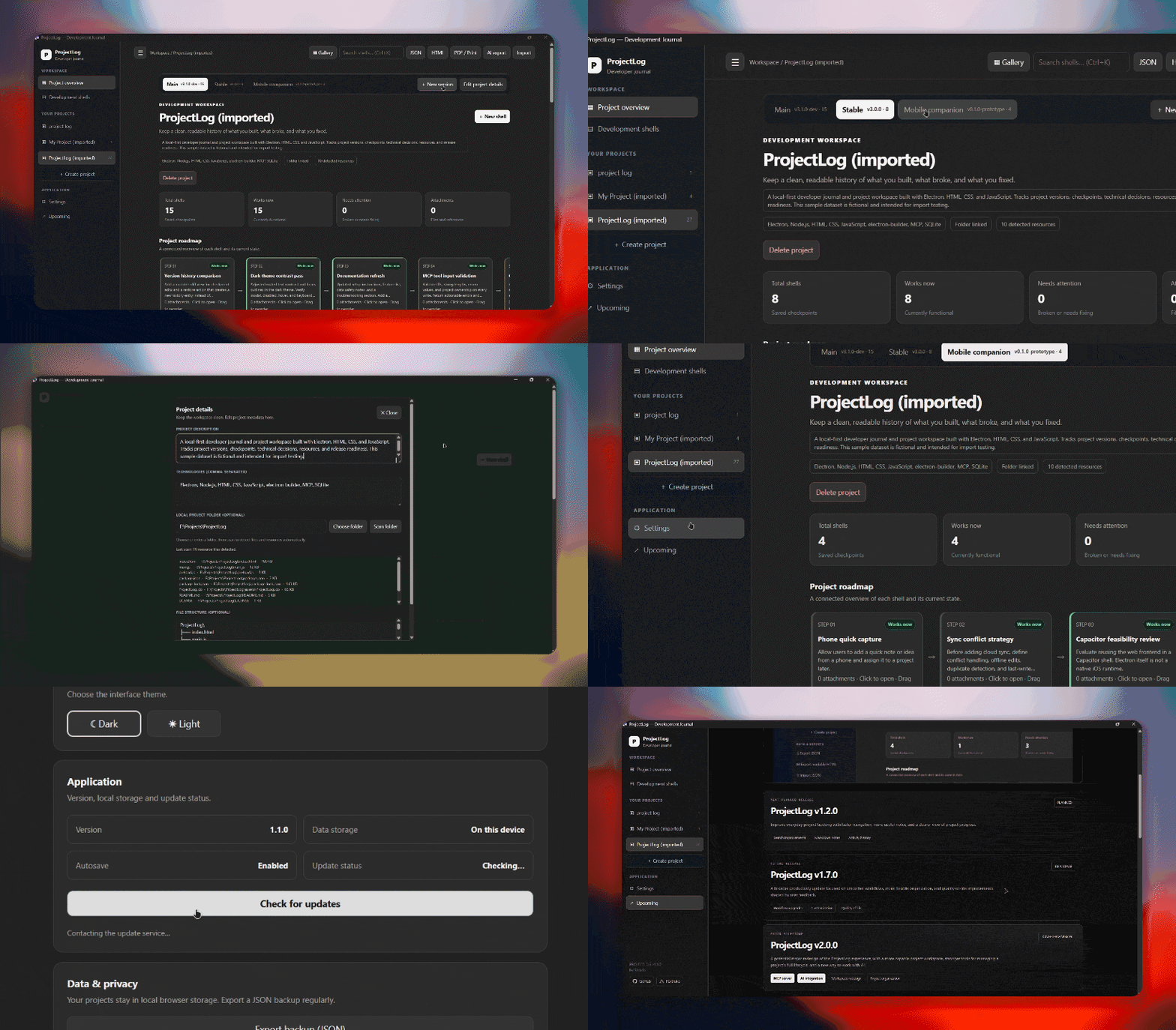
Illustrative interface previews for the landing page. Replace these with direct captures of the current app when available.

A calmer way to build

Less scattered thinking.
More meaningful progress.

A home for the moving parts of your work—so your ideas, notes, and next steps stay connected to the projects they belong to.

Project overview

Keep project details and status easy to scan, with a workspace designed around your work.

Progress tracking

Make progress visible, organize what comes next, and maintain momentum across projects.

Notes & context

Keep useful notes and project context close, instead of losing them across separate apps.

Roadmap mindset

Give your ideas direction by making milestones and next actions easier to follow.

Simple by design

A focused desktop experience that helps you spend more attention building, not managing tools.

Your work, your files

Use a dedicated desktop app for your project journal and keep your workflow in one place.

Built around your process

From first thought to finished project.

Give every project a place to live. Capture the idea, keep the important context, and return to your next step with less friction.

01

Create a project

Start a dedicated space for a new idea, build, or ongoing goal.

02

Log the details

Collect notes, links, progress, and the context you’ll want later.

03

Pick up where you left off

Review your workspace and keep moving with a clearer next step.

A little progress, every day LIVE WORKFLOW
✓
Project createdGive the idea a home
✎
Notes addedSave important decisions
↗
Progress updatedRecord what changed
→
Next step readyKnow where to continue
Small steps add up. Keep the momentum.
Ready when you are

Make space for the work that matters.

Get ProjectLog for Windows from the official GitHub releases page.

Get ProjectLogAll releases ↗

Downloads and release notes are hosted on GitHub.